





Jainkart shopping guide
How to Order?
Everything you need to place your Jainkart order, shown step by step, in a simple visual guide.
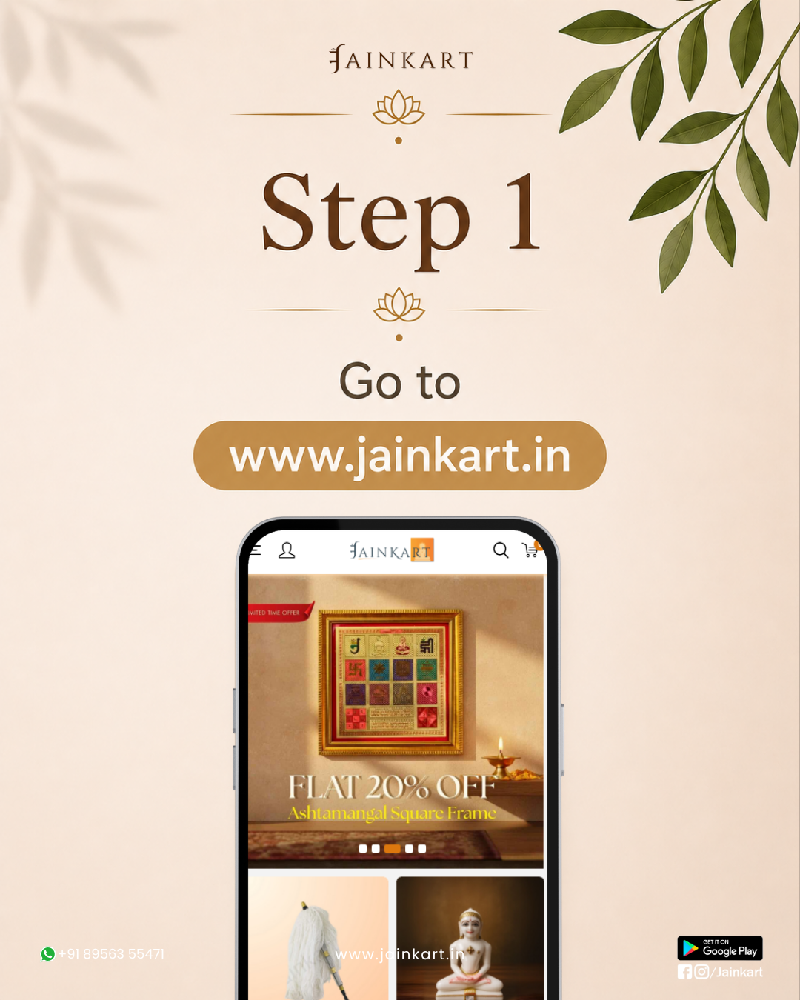
1 Begin your journey
Visit Jainkart
Open Jainkart to discover a thoughtful collection of Jain products, books, idols, gifts, and essentials.
- Go to www.jainkart.in
- Explore categories, products, and offers
2 Access your account
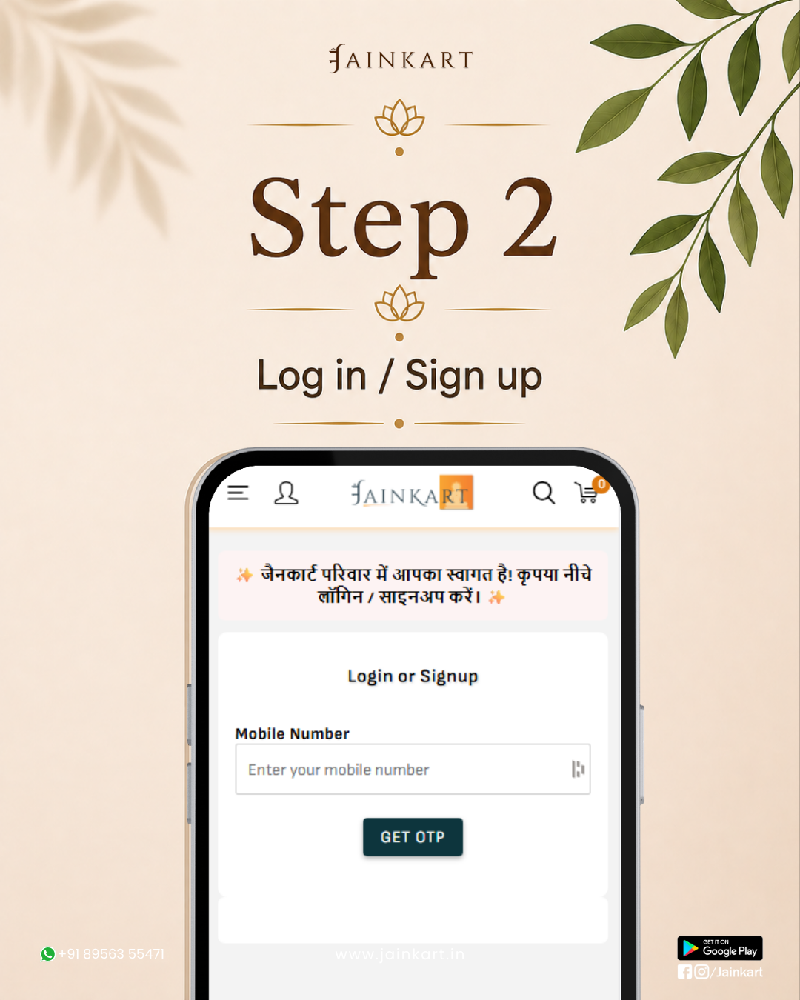
Log in or sign up
Use your mobile number to securely access your Jainkart account and continue with your order.
- Tap the account icon
- Enter your mobile number
- Select Get OTP and verify it
3 Select what you love
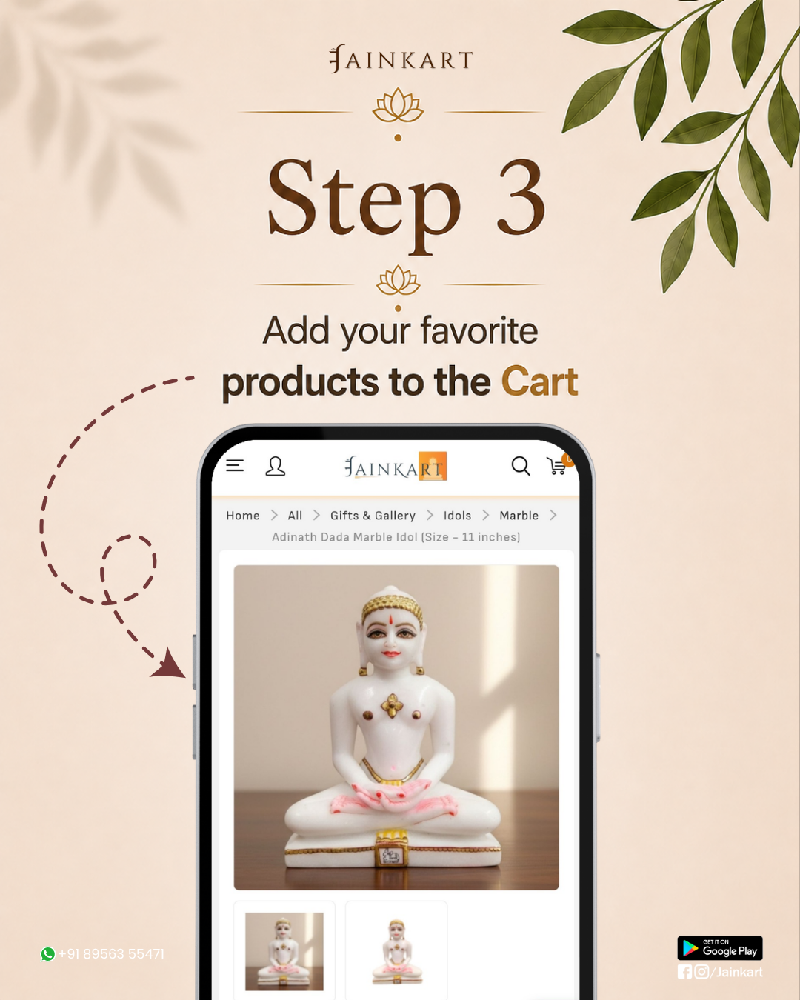
Add products to cart
Open your preferred product, check its details, and add it to your cart when you are ready.
- Review product images, price, and details
- Select available options if needed
- Tap Add to cart
4 Check your selection
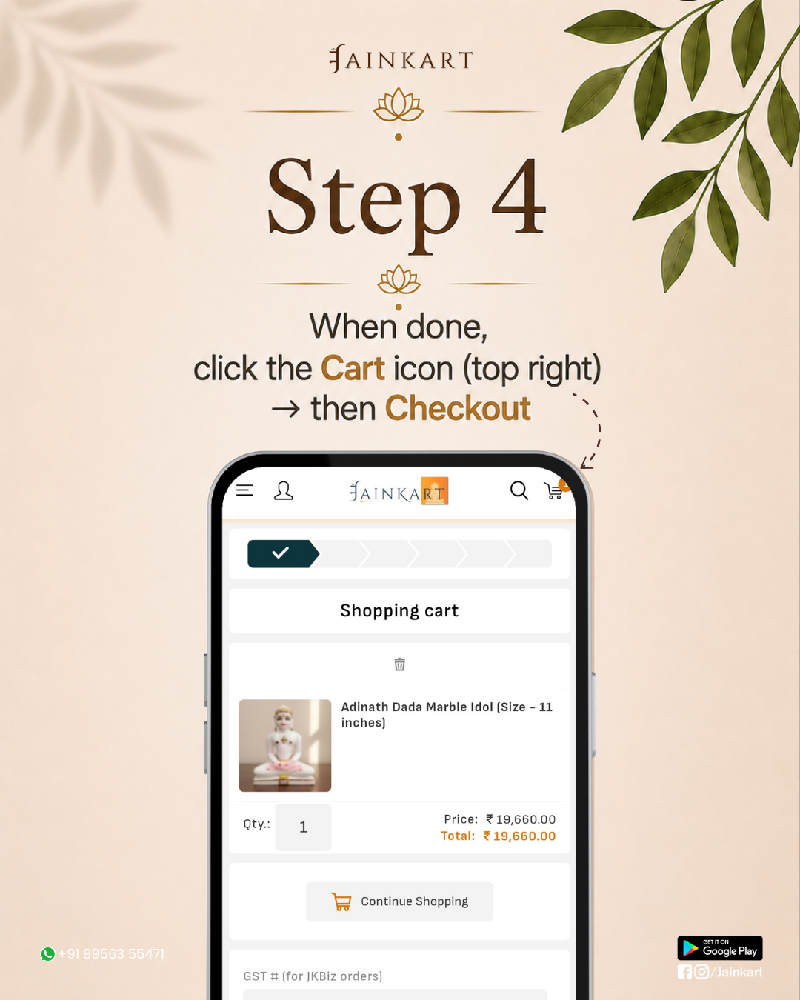
Review your cart
Before proceeding, confirm your items, quantities, prices, and final cart value.
- Tap the cart icon in the top-right corner
- Review selected products and quantities
- Select Checkout
5 Complete your order
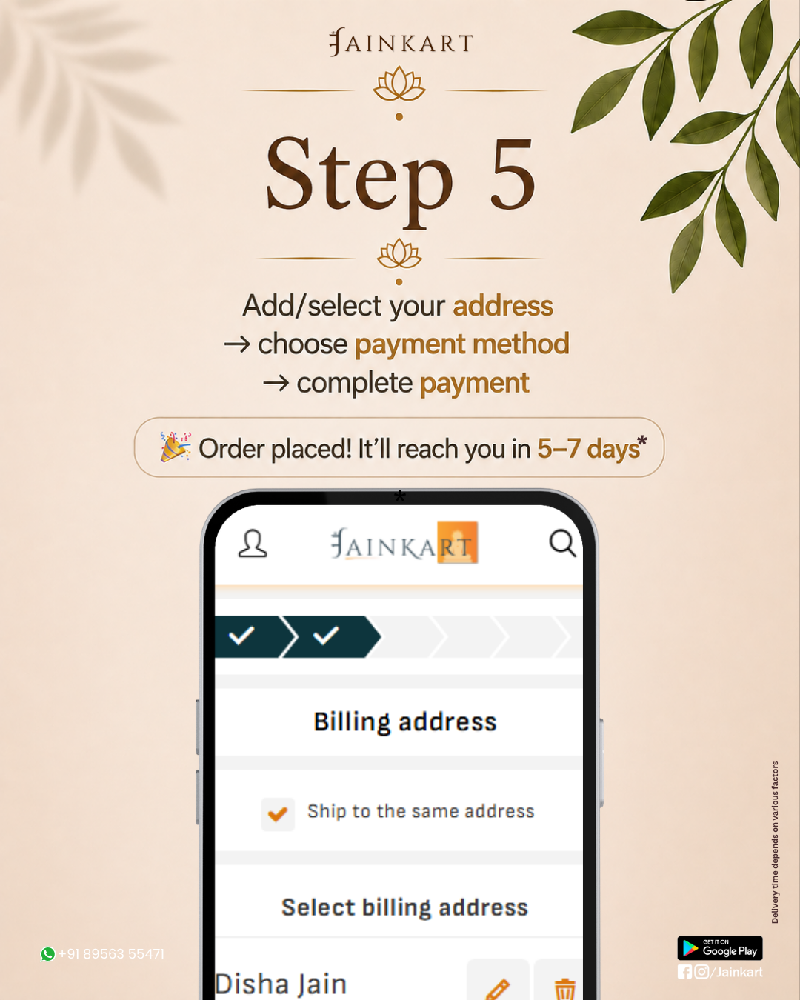
Add address and pay
Enter or select your delivery address, choose a payment method, and complete the payment.
- Add or select billing and delivery address
- Choose your preferred payment method
- Receive your order confirmation
Your order is just a few taps away
Shop Jain products with ease and receive updates once your order is successfully placed.
Continue shopping